
Notes
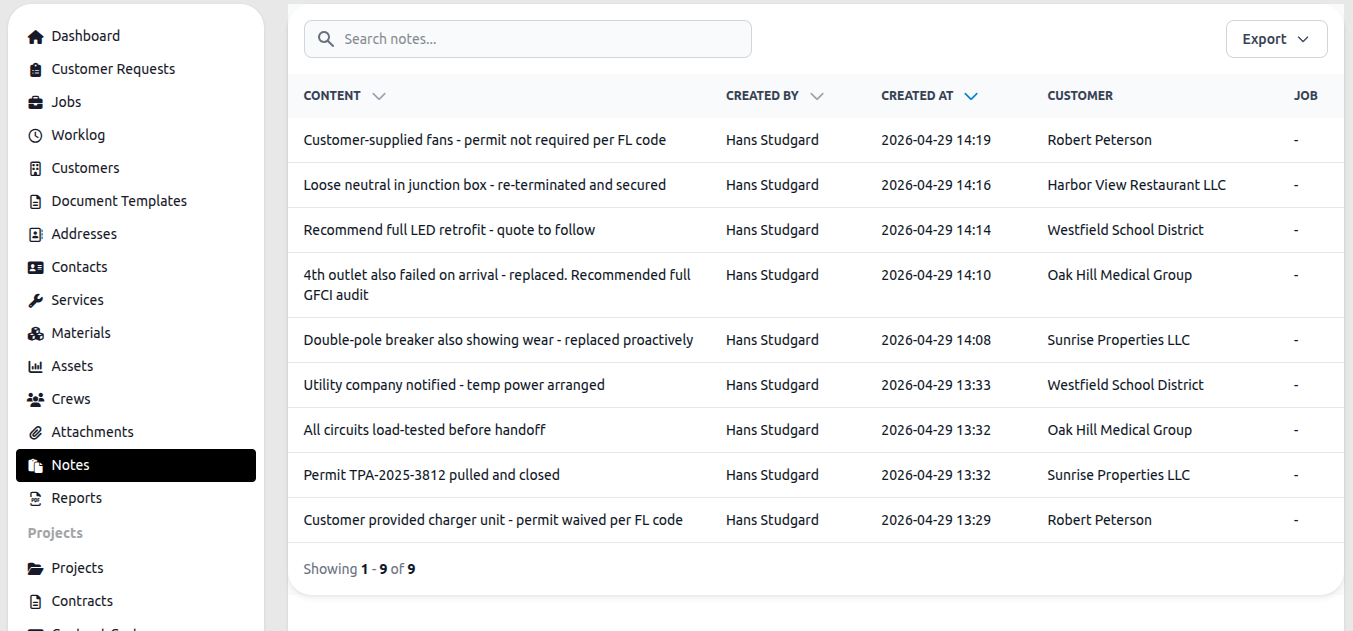
Notes are short text records attached to jobs or customers. They appear across the system wherever they are created — the Notes section collects all of them in one place.
Columns
Section titled “Columns”| Column | Description |
|---|---|
| Content | The text of the note |
| Created By | The employee who wrote it |
| Created At | Date and time it was created |
| Customer | The customer the note is linked to |
| Job | The job the note is linked to, if any |
Adding notes
Section titled “Adding notes”Notes are added from within a job or customer record — not from this list directly. Open a job or customer, go to the Notes tab, and add the note there. It will appear here automatically.
Search and export
Section titled “Search and export”Use the search bar to find notes by content. The Export button downloads the current list.
Who sees what
Section titled “Who sees what”Dispatchers see all notes. Employees see notes attached to records they have access to.