
Dashboard
The Dashboard is the home page you land on after opening a team in AMPER Flow. It gives a quick overview of what’s happening — open work, recent activity, today’s schedule — without having to open Jobs or Customer Requests separately.
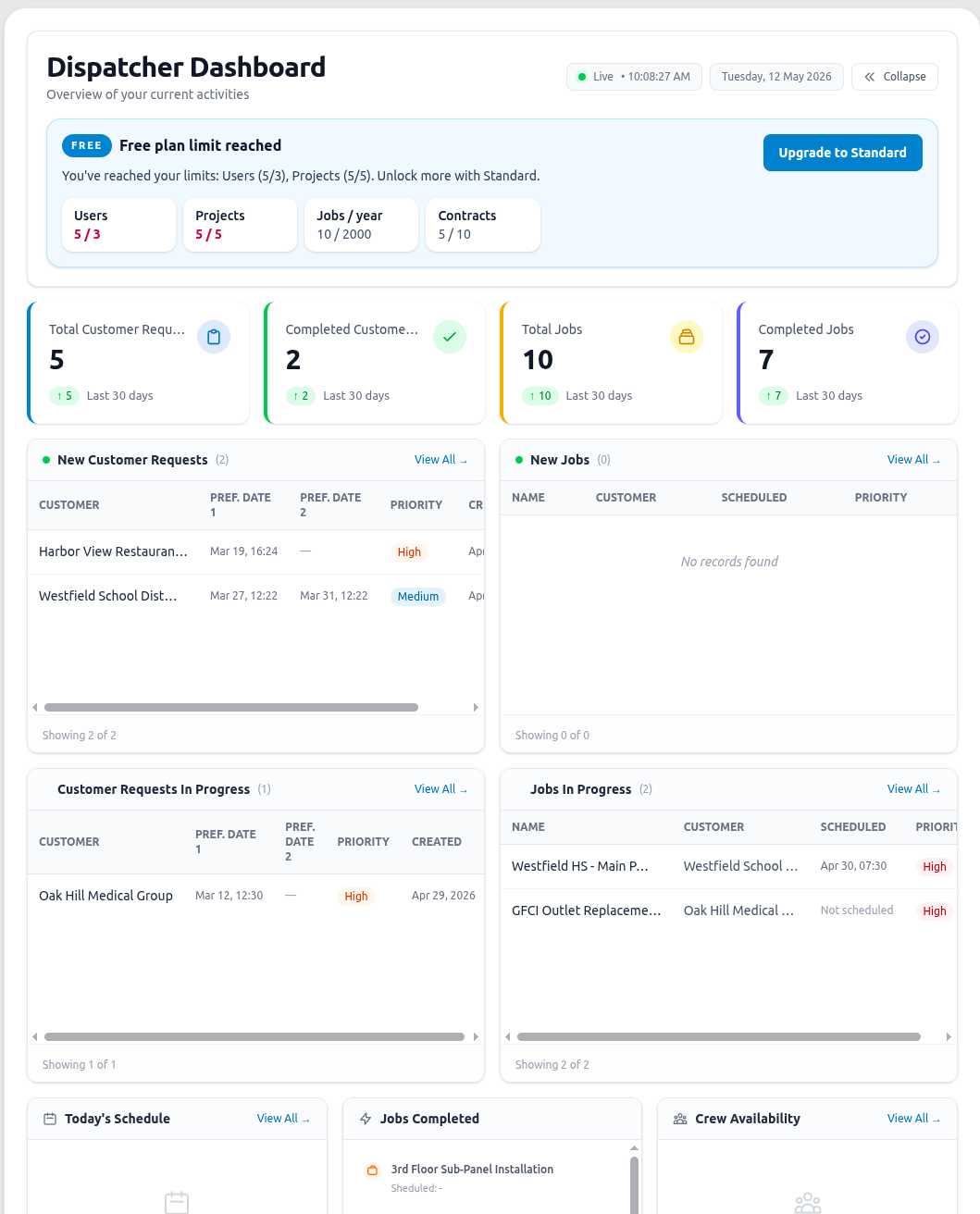
The page updates itself in the background as new activity happens, so figures and lists stay current without needing to refresh the browser.
KPI cards
Section titled “KPI cards”Four summary cards at the top of the page:
- Total Customer Requests and Completed Customer Requests
- Total Jobs and Completed Jobs
Each card also shows how many were added or completed in the last 30 days.
New / in-progress lists
Section titled “New / in-progress lists”Below the KPI cards, short lists show the five most recent items in each of these groups:
- New Customer Requests and Customer Requests In Progress (dispatchers only)
- New Jobs and Jobs In Progress
Each list has a “View All” link to open the full, filtered list in Customer Requests or Jobs.
Widgets
Section titled “Widgets”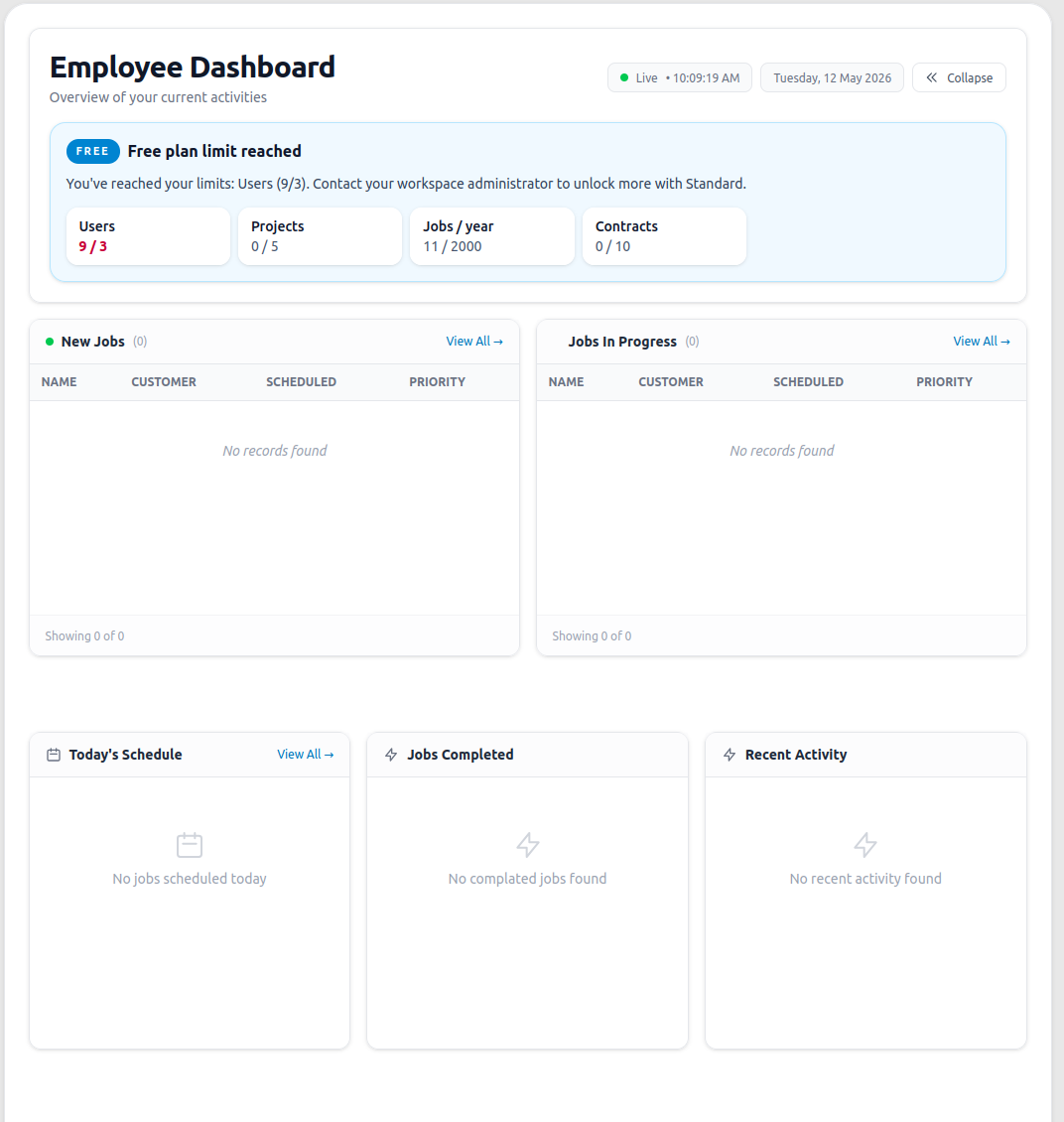
- Today’s Schedule — jobs scheduled for today, with customer and time, linking straight to the job record.
- Jobs Completed — recently completed jobs.
- Crew Availability (dispatchers only) — each active crew, marked as Available or Busy (with how many jobs it’s currently on).
- Recent Activity — a feed of recent changes to jobs (created, updated, status changes, etc.), linking to each job’s history.
Free plan usage
Section titled “Free plan usage”Teams on the free plan also see a usage banner on the Dashboard showing how close they are to their plan’s limits, with an upgrade prompt for team admins.